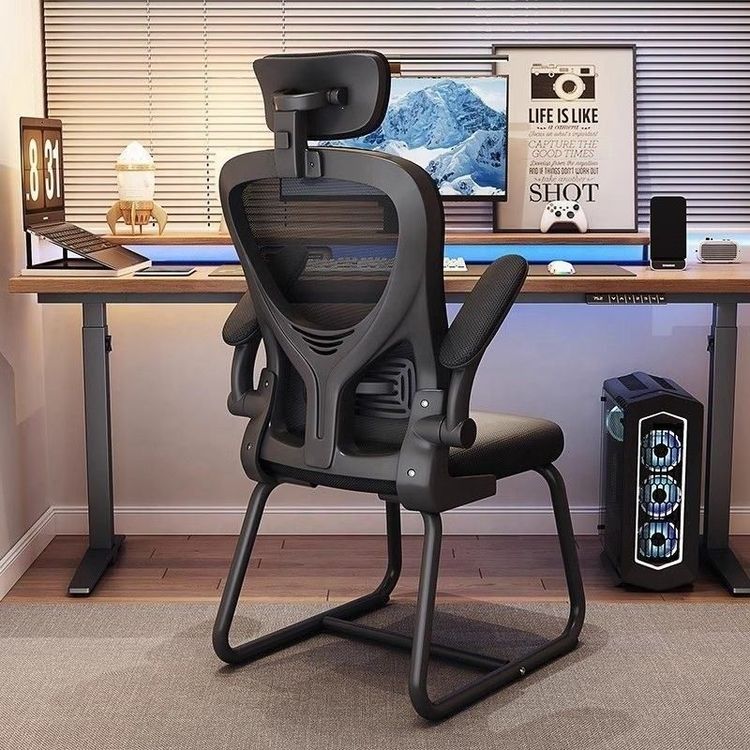
Making Office Chair Drawings
You can refer to the following resources for making office chair drawings and choose the appropriate solution based on your needs:

1. 3DMAX Beginner Tutorial: Quick Introduction to Modeling If you need to learn office chair modeling from scratch, you can refer to the 18-minute beginner tutorial on creating an office chair using 3DMAX for furniture cases. This tutorial is designed for beginners and explains the basic operations of the 3DMAX software through specific cases, including chair structure breakdown, component modeling (such as the backrest, armrests, and seat), material assignment, and rendering output. It is suitable for users with no 3D modeling experience who want to quickly master basic skills. The tutorial is relatively short, allowing for efficient introductory learning.
2. Existing 3D Model Resources: Direct Modification or Reference
- Office Desk and Chair Computer Suite Model: Provides a 3D drawing in STEP format (8.59MB), including a combined model of an office desk and chair. The STEP format is highly compatible and can be opened in mainstream 3D software such as Solidworks, UG, and CATIA. It is suitable for users who need to design an overall office scenario and can directly modify the chair's dimensions, structure, or materials.
- 627 Standard Office Chair Model: A 3D drawing designed with Solidworks (101MB), with complete details including parameters such as the backrest curve, armrest height, and five-star base structure. Solidworks files are highly editable and suitable for users who need to deeply optimize the chair's mechanical structure (such as load-bearing capacity and stability) or perform finite element analysis.
3. CAD Construction Drawing Resources: Precise 2D Design If you need 2D construction drawings (such as those for production and processing), you can refer to the CAD furniture design drawings and construction drawings for office chairs (796.14 kb). These drawings include front, side, and top views of the chair, as well as key dimension annotations (such as seat height and backrest tilt angle), and can be directly used to guide woodworking or metal processing. The drawings were uploaded in 2026 and comply with the latest furniture design standards, making them suitable for users who need to quickly obtain standardized drawings.
Selection Recommendations:
- Beginners: Prioritize learning the 3DMAX tutorial to grasp modeling logic before using existing models for modification.
- 3D Design Needs: Choose models in STEP (highly compatible) or Solidworks (parametric design) format based on your software proficiency.
- Production and Processing Needs: Directly use CAD construction drawings, verify the dimensions, and output them in DXF or DWG format for factory use.