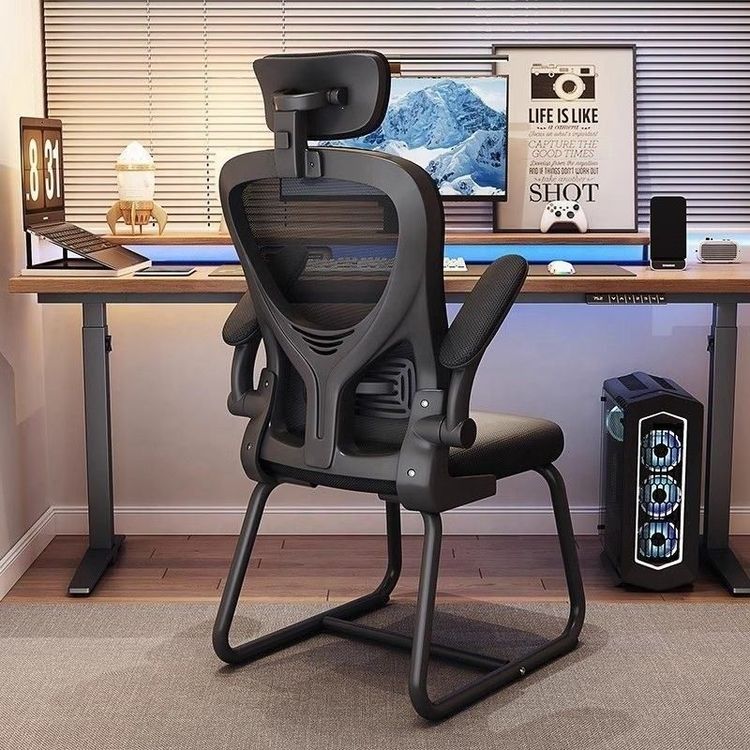
Rhino Office Chair Armrest
Multiple resources related to Rhino office chair armrests, including 3D models and modeling tutorials, are available on Aigei.com. Details are as follows:

I. 3D Model Resources
Aigei.com offers a rich library of 3D models for office chair armrests, such as the "Office Seating, Gaming Seating Armrest 14 Collection: 119 3D Models". This collection includes 119 different styles of office chair armrest designs, covering minimalist, ergonomic, gaming seating, and other types, meeting the needs of various scenarios. Another model library, the "Office Seating, Armrest Chair, Rolling Office Chair with Textures Collection: 4704 Industrial Models", provides 4704 industrial-grade models, including complete office chair designs with textures. Users can extract the armrest parts for secondary editing. These models support free downloads and are compatible with Rhino software, allowing direct import for modification or rendering.
II. Modeling Tutorial Resources
For Rhino software operations, Aigei.com offers modeling tutorials for chair armrests, such as the "Piagatto Soave Wooden Strip Chair Rhino Modeling Demonstration Tutorial". Based on practical cases, this tutorial demonstrates the entire process from basic geometric shapes to complex surface modeling, focusing on curve drawing, surface generation, and detail processing techniques for the armrest part. By learning such tutorials, users can master the core methods of NURBS surface modeling in Rhino, improving the efficiency and precision of office chair armrest design.
III. Resource Application Suggestions
- Model Modification: Downloaded 3D models can be adjusted for armrest angles, curvatures, and other parameters using Rhino's "Deformation Tools" or combined with other components using "Boolean Operations" to quickly generate customized designs.
- Tutorial Practice: Combining with modeling tutorials, users can start practicing with simple armrest structures (such as straight armrests) and gradually master surface modeling techniques before attempting complex shapes (such as streamlined ergonomic armrests).
- Texture Application: If the armrests in the model library do not come with textures, users can refer to the material setting methods in the tutorials and use Rhino's "Material Editor" to add realistic materials like leather or plastic to the armrests, enhancing the rendering effect.
By utilizing the model resources and tutorials on Aigei.com, users can efficiently complete Rhino design and modeling of office chair armrests, meeting the needs of product development, teaching demonstrations, or personal creations.