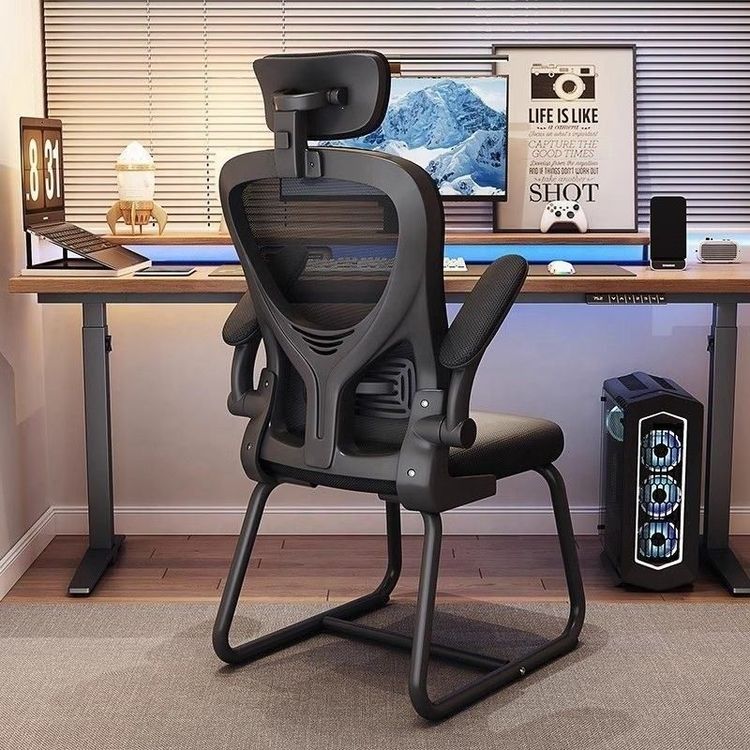
Neck Discomfort from Office Chairs
Neck discomfort caused by improper use of office chairs can be alleviated by adjusting the height of the chair and computer, taking regular breaks, performing neck stretches, applying heat and massage, and choosing appropriate support tools.

Adjust the height of the chair and computer
The chair height should allow your feet to rest flat on the floor with your thighs parallel to the ground, preventing forward or backward leaning that increases neck pressure. The center of the computer screen should be at eye level to maintain the natural curve of the cervical spine and reduce strain from looking up or down. If the screen is too low, use a stand to elevate it; if it's too high, lower the chair height accordingly.Take regular breaks
Prolonged sitting in the same position can lead to stiff neck muscles and poor circulation. It is recommended to get up and move every 30-45 minutes, performing simple neck stretches such as flexion, extension, lateral flexion, and rotation. Repeat each movement 10-15 times, holding for 5 seconds each. These exercises help relax neck muscles, relieve tension, and promote blood flow.Perform neck stretches
- Neck flexion and extension: Sit up straight, slowly lower your head to bring your chin toward your chest, hold for 5 seconds, then return to the starting position. Repeat 10-15 times.
- Neck lateral flexion: Slowly tilt your head to one side, bringing your ear toward your shoulder, hold for 5 seconds, then switch sides. Repeat 10-15 times.
- Neck rotation: Slowly turn your head to the left or right, looking over your shoulder, hold for 5 seconds, then switch directions. Repeat 10-15 times.
Apply heat and massage
- Heat therapy: Use a warm towel or hot water bottle (40-50°C) on your neck for 15-20 minutes, 2-3 times a day. Heat helps improve local circulation and relieve muscle spasms and pain.
- Massage: Gently press your fingers into your neck muscles, working from the base upward, or ask someone to assist. Apply moderate pressure to avoid causing injury.
Choose appropriate neck support tools
Use ergonomic neck pillows, lumbar, or back support cushions to help maintain the natural curve of the spine and reduce neck pressure. Avoid poor postures like slouching on the sofa or half-lying while watching TV, as these can disrupt the cervical spine's natural curve and increase muscle strain. Prolonged低头 (looking down at phones or computers) significantly increases cervical spine load (e.g., 27 kg at a 60-degree angle). Adjust screens to eye level, place keyboards and mice at a natural arm position, and take 3-5 minute breaks every 50 minutes of work.