
Back to blog
Article
How to Raise an Office Chair
Admin October 11, 2026
Raising an office chair can be done through the following steps, with specific operations adjusted according to the chair type:
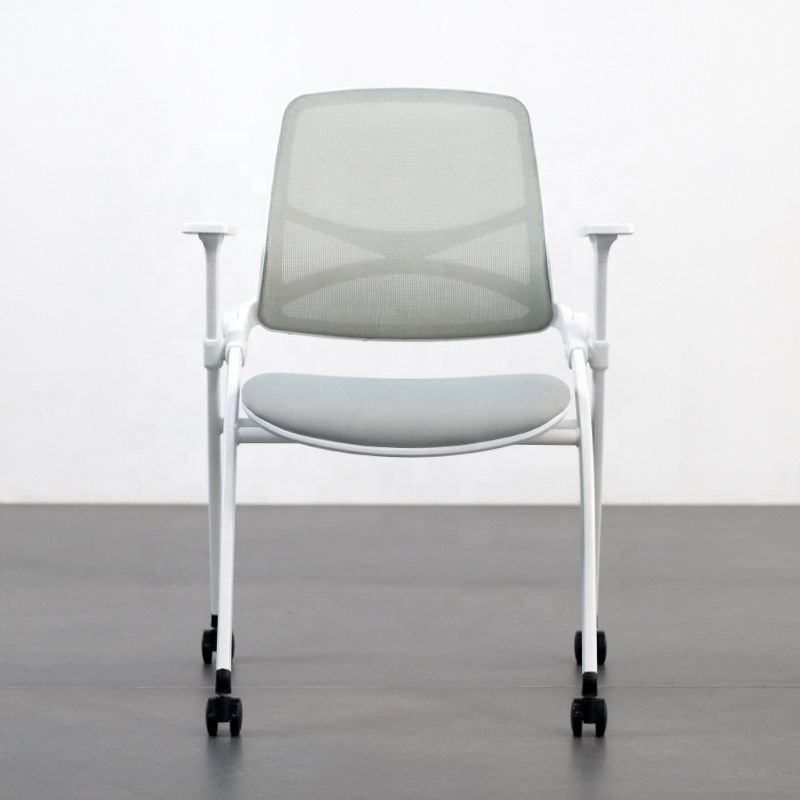
1. Identify the Control Mechanism
- Locate the Hand Control:
- Most office chairs adjust height using a lever or knob beneath the seat. If seated, try pulling up the lever at the front of the seat (some models may require turning a knob). If unsure which part controls the height, consult the chair's manual or test each lever individually.
- Pneumatic chairs typically have a single lever; pulling it allows the seat to move freely up and down. Mechanical chairs may require turning a knob for gradual adjustment.
2. Adjust the Seat Height
Seated Adjustment Method:
- While seated, gently pull the control lever. The seat will rise slowly due to pneumatic or mechanical action. Limit each movement to a few centimeters to avoid imbalance. Once at a comfortable height, push the lever back to lock it in place.
- If the pneumatic model doesn't reach the desired height in one go, repeatedly push the lever up and down to fine-tune the height through pressure changes.
Standing Adjustment Method:
- If lever operation is restricted while seated, stand behind the chair, grasp the seat edges with both hands, and lift directly to the target height. Ensure the front of the chair is below your knees, and when seated, your feet should rest flat on the floor with your thighs parallel to the ground.
3. Optimize Height for Tasks
Computer Work Scenario:
- Adjust the chair so your eyes are level with the top of the monitor to reduce neck strain. If the monitor height is fixed, prioritize matching your line of sight with the chair's height adjustment rather than forcing your head up or down.
Desk Work Scenario:
- Keep your elbows level with the desk to avoid arm suspension or excessive elevation. This can be achieved by adjusting the chair height or the desk height (if adjustable).
4. Enhance Safety and Comfort
Armrest Adjustment:
- If the chair has adjustable armrests, align them with the desk height to prevent arm suspension or shoulder hunching. If armrests are not needed, lower or remove them to prevent knee obstruction.
Foot Support:
- If the seat is too high and your feet are suspended, use a footrest to bridge the height gap. Place the footrest under the desk to ensure your feet rest naturally and steadily when hanging down.
Precautions:
- Before adjusting, check that the chair's pneumatic rod or mechanical structure is intact to avoid sudden drops due to aging.
- If the chair fails to maintain its height after prolonged use, the pneumatic rod may be leaking or mechanical parts may be worn. Contact after-sales service for repair.
Related


