
Back to blog
Article
How Deaf-Mute People Install Office Chairs
Admin October 08, 2026
Deaf-mute individuals can independently install office chairs through visual observation, tactile perception, and systematic operations, with the key being to check components step by step, use tools properly, and conduct repeated debugging.
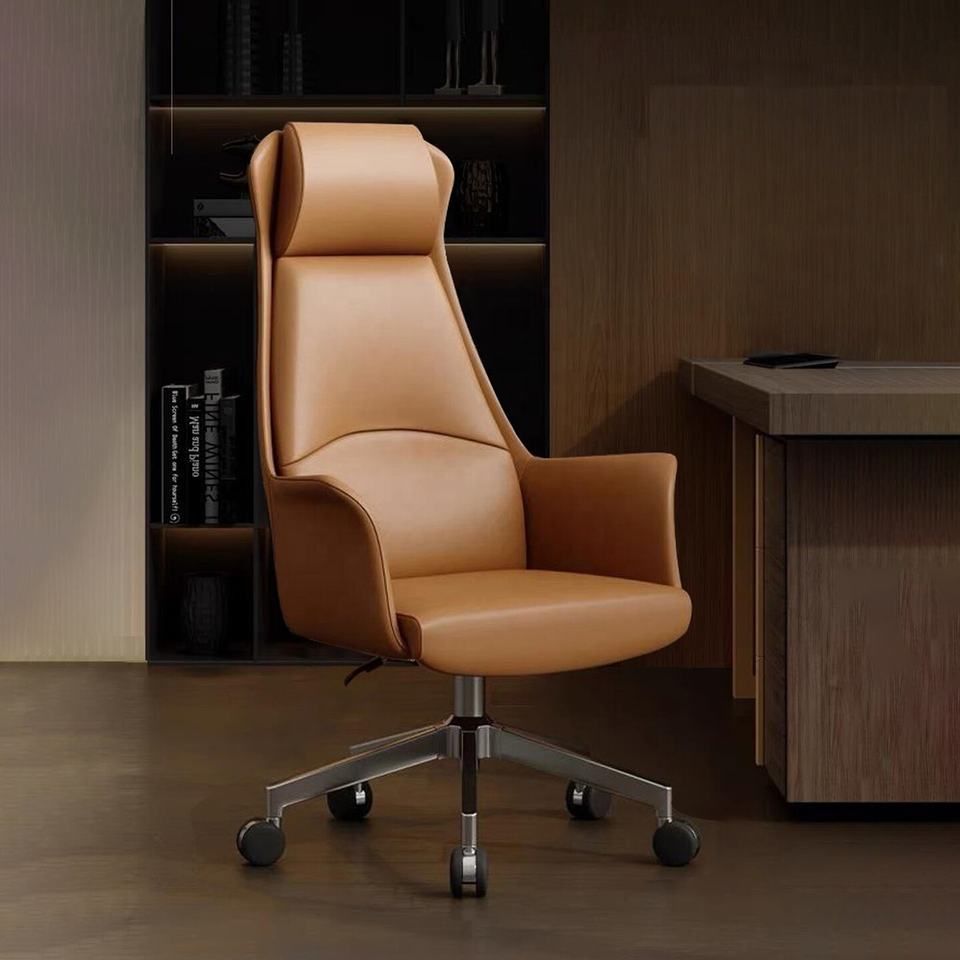
I. Pre-installation Preparation
- Component Verification: Compare all accessories (chair legs, gas lift, seat, backrest, armrests, screws, etc.) with the list in the instruction manual one by one to ensure nothing is missing. Screws should be sorted by size and placed separately to avoid confusion.
- Tool Preparation: Prepare a Phillips screwdriver, an adjustable wrench (or hex wrench), a rubber mallet, and scissors (for opening packaging) according to the model. Tools should be placed in a fixed, easily accessible location for single-handed use.
- Environment Setup: Choose a flat, open area as the workspace to prevent components from rolling or tipping over. When opening the packaging, use scissors to cut along the edges and keep the instruction manual in a visible place.
II. Step-by-Step Installation Process
- Assembling Chair Legs and Gas Lift:
- Place the chair legs flat on the ground with the center hole facing up. Vertically insert the gas lift into the hole until it is fully seated at the bottom, and press gently to ensure there is no wobbling.
- Check that the dust cover is aligned with the curve of the chair legs to avoid incorrect installation.
- Securing the Seat:
- Hold the bottom of the seat with both hands, align the center hole with the top of the gas lift, and press down slowly until you hear a “click” sound, indicating successful locking.
- If it is a reclining chair model, install the right-side control handle simultaneously and confirm by touch that the handle is aligned with the seat’s slot.
- Connecting the Backrest and Armrests:
- For pre-assembled backrests: Adjust the angle to vertical and test for stability by shaking it with your hand.
- For separate backrests: Align the metal bracket of the backrest with the screw holes at the back of the seat, secure it temporarily with screws, and do not tighten fully yet for later adjustments.
- Armrest installation: Align the screw holes on both sides of the seat and tighten them step by step with a screwdriver. Visual confirmation is required repeatedly to ensure left-right symmetry.
- Installing Additional Components:
- Headrest: Insert it into the top hole of the backrest and rotate it 90 degrees to secure it. Gently pull to test if it comes loose.
- Lumbar support: Attach it to the designated area on the backrest using Velcro or buckles and press the edges with your hand to ensure a snug fit.
- Wheels: Forcefully press the wheels into the holes at the ends of the chair legs until you hear a “click” sound, indicating they are securely installed. Check each one individually for looseness.
III. Inspection and Adjustment
- Structural Stability Test: Hold the backrest with both hands and shake it up and down to observe if the connections between the chair legs and gas lift are stable. Use a wrench to further tighten any exposed screws.
- Function Testing:
- Height adjustment: Repeatedly press the gas lift control lever to test if the seat height adjusts smoothly.
- Reclining function: Sit on the chair and lean back, adjusting the force of the right-side control handle to ensure the rebound resistance is appropriate.
- Swivel function: Push the chair body with your hand to check if the casters rotate flexibly and without abnormal noise.
- Personalized Adjustments: Adjust the height of the headrest and the width of the armrests according to your height to ensure comfort.
IV. Precautions
- Tighten screws step by step: After initially securing all components, tighten them completely to avoid rework due to misalignment.
- Check hole alignment: If a screw cannot be inserted, stop immediately and visually confirm whether the component is installed backward or if a washer is missing.
- After-sales support: If the structure does not match or components are missing, contact the merchant’s after-sales service via text or images and avoid modifying it yourself.


