Back to blog
Article
Drawing Office Chairs with SolidWorks (SW)
Admin October 09, 2026
There are currently no detailed steps specifically for drawing office chairs using SolidWorks (SW), but you can refer to the modeling ideas of other types of chairs to attempt drawing office chairs. Here are specific analyses and suggestions:

Referencing Modeling Ideas from Other Chairs
- Modeling Idea for Park Benches: Park benches typically consist of a seat, a backrest, and legs. When drawing in SolidWorks, you can first create the basic shape of the seat, such as using the extrusion feature to draw a cuboid as the initial form of the seat, and then use operations like filleting to make it more in line with the actual appearance of the seat. For the backrest, also draw the basic shape first and then edit the features according to design requirements, such as adding holes for installing connectors. For the legs, you can first draw their cross-sectional shapes and then use features like extrusion or rotation to generate three-dimensional models. Finally, assemble all the parts together using the assembly function. The seat, backrest, and legs of office chairs have structural similarities to those of park benches, so you can borrow this idea of drawing each part separately and then assembling them.
- Modeling Idea for Stainless Steel Chairs: Stainless steel chairs often have clean lines and smooth surfaces. When modeling, focus on the handling of curves and surfaces. For example, the backrest may be a curved surface, which can be created using surface modeling tools in SolidWorks, such as swept surfaces and lofted surfaces. For the legs, which may be tubular structures with specific cross-sections, you can draw the cross-sectional sketches and then generate solids using extrusion or rotation, followed by necessary chamfering operations. If there are structural parts in office chairs similar to those of stainless steel chairs, you can refer to this modeling method for curved and tubular structures.
- Modeling Idea for Square-Tube Chairs: Square-tube chairs are mainly composed of square tubes forming the frame. In SolidWorks, first draw the cross-sectional sketches of the square tubes and then use the extrusion feature to generate three-dimensional models of the square tubes. You can quickly create multiple identical square-tube components through operations like patterning and mirroring. Then, assemble these square-tube components according to design requirements using the assembly function and add details such as connectors. If the frame of office chairs adopts a square-tube structure, you can borrow this modeling and assembly idea based on square tubes.
Additional Points for Drawing Office Chairs
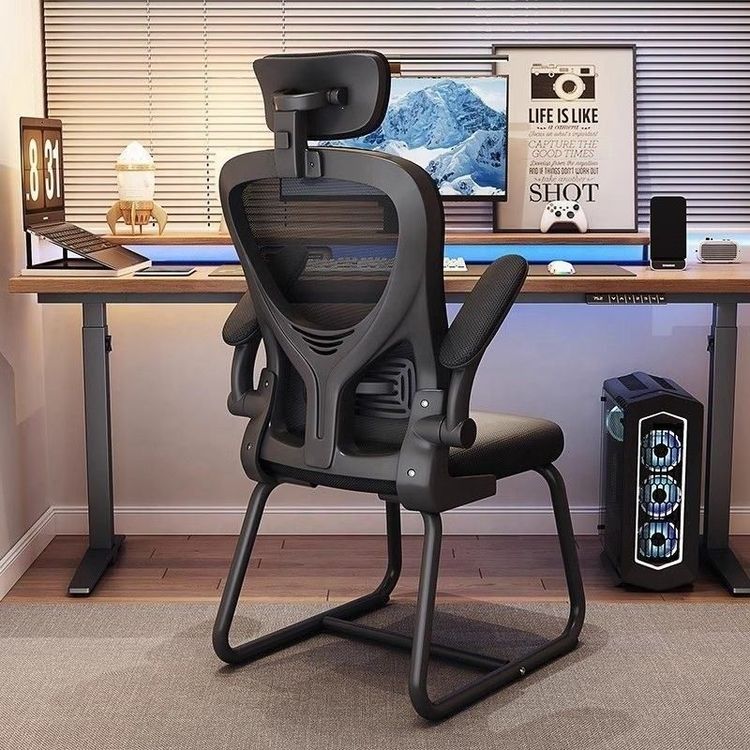
- Consider Ergonomics: Office chairs need to conform to ergonomic principles. When drawing the seat and backrest, ensure that their shapes and dimensions can provide comfortable support. For example, the depth and width of the seat should be suitable for people of different body types, and the curvature of the backrest should fit the natural curve of the human spine.
- Add Details and Functional Components: Office chairs usually also have some details and functional components, such as armrests, adjustment mechanisms, and casters. During the modeling process, accurately draw the shapes and positions of these components and consider their assembly and motion relationships with each other.