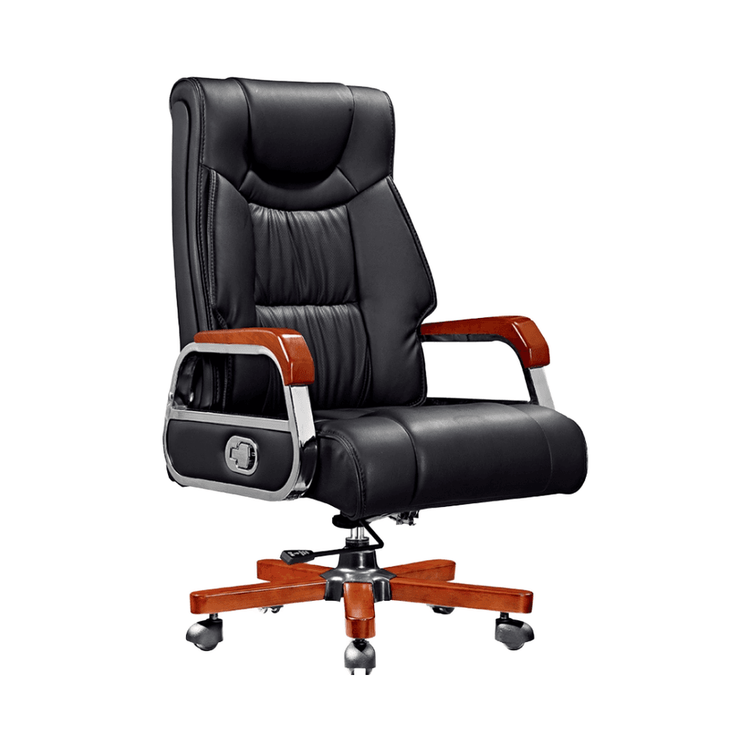
SketchUp Office Chair Model
There are several ways to create or obtain office chair models in SketchUp, along with relevant key points:

Self-Modeling
If you want to create an office chair model on your own, you can refer to the methods for chair modeling exercises. Typically, you can start modeling from the backrest, designing the armrests and legs into a curved large H shape. During the modeling process, form hexagonal cross-sections by inserting loop edges and stretching distances, and then subdivide them to make them cylindrical, which better simulates the structure of a real chair. For the production of the cushion connection part and the backrest contour, precise control of dimensions and shapes is required to ensure the rationality and aesthetics of the model. For example, when making the backrest contour, design a shape that conforms to the curve of the human back according to ergonomic principles to make the model more practical. During the modeling process, you can also use various SketchUp tools, such as move, rotate, scale, etc., to make fine adjustments to the model.
Purchasing Ready-Made Models
There are modern-style office chair SU models available for purchase. The file size is 6.85MB, the version is SketchUp 8.0, the number of planes is 28024, the rendering situation is unknown, and the price is ¥2.00. The advantage of purchasing ready-made models is that it saves time and effort, especially for users who are not familiar with modeling operations or are in urgent need of models. However, when purchasing, you need to pay attention to whether the version of the model is compatible with the version of the SketchUp software you are using to avoid situations where it cannot be opened or used abnormally.
Referring to Related Model Collections
There are a large number of SU model collections related to modern minimalist office desks and chairs, which include various styles of office chair models, such as modern minimalist and modern wabi-sabi styles. They also involve office chairs配套 (matching) different office scenarios, such as financial desks, booth workstations, and bank employee office desks and chairs. These model collections provide users with a wealth of choices. You can select appropriate office chair models from them according to your own needs and preferences for reference or modification. When referring to these models, carefully analyze their structures and design ideas, and learn their modeling techniques and methods so that you can apply them flexibly in your own modeling process.