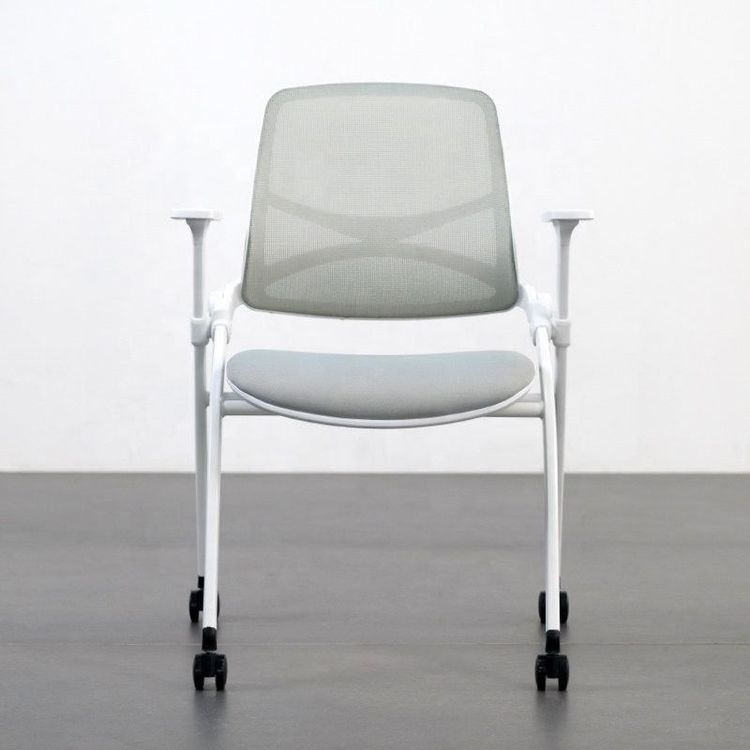
SketchBook Hand-Drawn Office Chair
When hand-drawing an office chair in SketchBook, the following operational methods can be adopted according to different scenario requirements:

I. Chair Operations in the Refinement of Chinese Office Spaces
This scenario requires attention to traditional elements and light and shadow representation. First, select a chair model to refine the basic outline, focusing on depicting structural details such as the backrest and armrests. When drawing the shadow beneath the chair, determine the shadow shape based on the light source direction, typically using dark gray or black gradient fills, and adjust the transparency to represent the relationship between real and virtual elements; the shadow beneath the table should form a hierarchical distinction with the chair shadow, appropriately expanding the shadow range and deepening the color. For filling the table grille, first refer to the line drawing to determine the grille direction, use the [Color] panel to select a brownish color scheme that coordinates with the overall tone, and after the initial fill, adjust the color saturation for a secondary fill to enhance the three-dimensional effect. For filling the stool, follow the principle of 'near-color coordination', selecting a light wood color similar to the table for the main body fill, and for the top of the stool, which is affected by light, use an even lighter shade of the same color system for filling, highlighting structural transitions through light and dark contrasts.
II. Drawing a Single Sofa Chair
This operation emphasizes style simulation and color hierarchy. After opening the project file, first analyze the chair style in the reference picture (such as modern simplicity, retro industrial, etc.), use the straight-line mode of the brush tool to draw the basic framework, paying attention to maintaining smooth lines. Select a primary color (such as green) in the [Color] panel, and perform the initial fill by adjusting the brush style (such as hardness, flow) to focus on representing large color areas; subsequently, deepen the color to perform a secondary fill on shadow areas such as the backrest depressions and cushion wrinkles, and local areas (such as armrest corners) require further deepening of the color to enhance volume. The table legs, due to material differences, need to be filled with black, and before filling, the brush opacity can be reduced to represent metal or wood textures. For drawing the second model, strictly refer to the picture proportions and achieve multi-view displays by copying the basic framework and then adjusting the angle.
III. Chair Operations in the Refinement of Exhibition Spaces
This section focuses on color matching and material representation. In the [Color] panel, select a primary color (such as tech blue, business gray, etc.) according to the exhibition theme, and for the initial coloring, use a flat fill to cover the main body of the chair, paying attention to retaining the structural line drawing; subsequently, adjust the hue/saturation tool to fine-tune the colors of different components (such as chair legs, cushions) to form a harmonious color relationship. In terms of material representation, metal components need to be filled with light gray and then added with highlight lines, wooden components represent wood grain through alternating fills of light and dark shades, and fabric cushions can use the gradient tool to simulate light and shadow transitions. During the coloring process, frequently zoom in and out of the canvas to check details, ensuring natural color transitions without jagged edges.