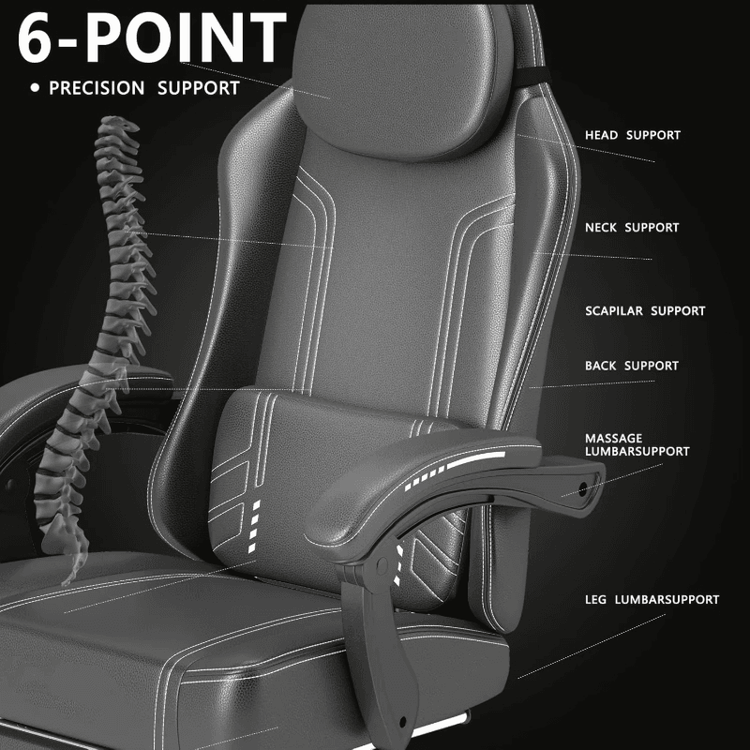
Rhino Office Chair Model
Rhino software offers office chair model resources and modeling tutorials, covering both direct download and step-by-step modeling methods. Here are specific resources and method descriptions:

Model Resource Acquisition
Aigei.com provides a Rhino model album containing six office chair models, available for free download. These resources are finished models that can be directly imported into Rhino software, suitable for users who need to quickly obtain design materials or verify design effects. Before downloading, ensure compatibility between the model format and the Rhino software version. Some models may require adjustments to size or details to match specific needs.
Modeling Tutorial Recommendations
Curved Smart Seat Modeling
The tutorial shared by Naqinghong Design Education and Training focuses on curved surface segmentation techniques, combined with Rhino8 and Keyshot2024 software applications. Starting with basic curved surface construction, the tutorial gradually explains how to complete seat body modeling through steps such as polygon mesh division and curved surface connection optimization, and demonstrates Keyshot rendering settings to enhance visual effects. Suitable for users with some Rhino foundation who wish to master complex curved surface modeling.Wooden Strip Chair Modeling
The modeling demonstration tutorial for the Piagatto Soave wooden strip chair adopts a structured step-by-step teaching approach. Core steps include:
- Contour Line Drawing: Define the overall proportions of the chair through a two-dimensional sketch;
- Isometric Section Line Generation: Use Rhino's 'Isometric Section Line' tool to create structural support lines;
- Curved Surface Lofting: Combine section lines into three-dimensional curved surfaces to complete modeling of components such as the chair back and seat surface;
- Detail Optimization: Add wood grain textures or chamfering to enhance realism. This tutorial is suitable for users who need to learn parametric modeling logic.
- Stool Subdivision Modeling
The Subd subdivision modeling tutorial from the Design UPUP channel focuses on Rhino software operation techniques. Through subdivision surface technology, users can gradually derive complex shapes from simple geometric shapes (such as cubes), suitable for users who need to quickly iterate designs or explore organic forms. The tutorial emphasizes subdivision level control and edge hardness adjustment to help users balance model accuracy and performance.
Selection Recommendations
- If you need to quickly obtain design materials, prioritize choosing finished models from Aigei.com;
- If you need to master modeling methods, choose tutorials based on the complexity of the target form: curved seats are suitable for learning advanced curved surface techniques, wooden strip chairs are suitable for parametric modeling, and stool subdivision modeling is suitable for exploring organic forms.
- During the modeling process, you can use Rhino's 'History Record' function to retain parameter relationships for easy later modifications.