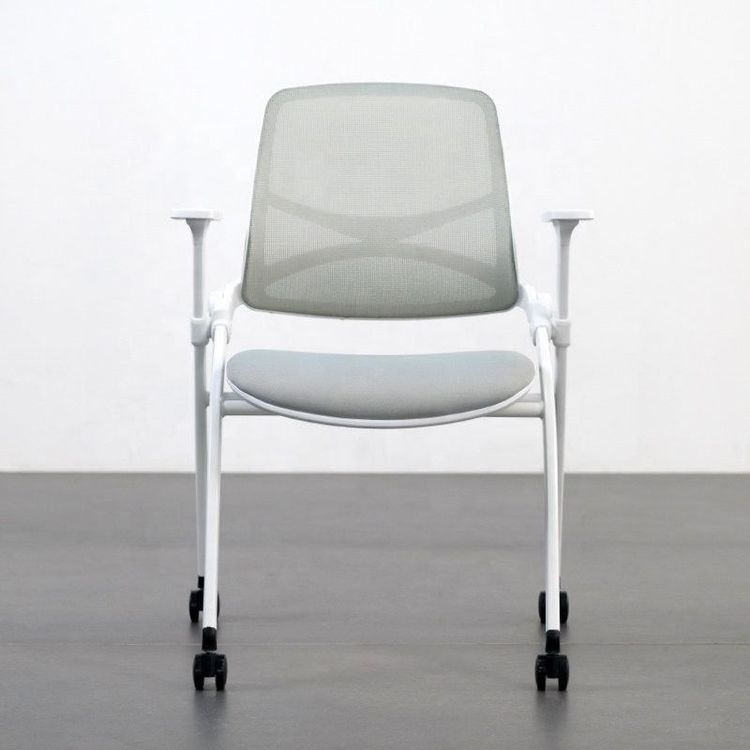
Raising Office Chair Armrests
Raising office chair armrests typically requires operation based on the type of armrest, with common methods including button adjustment, rotation adjustment, or manual pulling, and specific steps need to be determined in combination with the chair design.

Some office chair armrests have a lifting function, and their adjustment mechanisms are mainly divided into the following three categories. Before operation, it is necessary to confirm the chair model and armrest type:
Button Adjustment
Some chairs have hidden buttons located beneath or on the side of the armrests. Pressing these buttons allows the armrests to move up and down. When operating, maintain a stable sitting posture, press the button with your thumb or index finger, and use your other hand to assist in adjusting the armrests up or down to the desired height. Release the button to lock the armrests in place automatically. This design is commonly found in mid- to high-end ergonomic chairs, such as the 'Ergonomic Office Chair with Customizable Lifting Armrests, Adjustable Seat, and Reclining Function for Gaming and Office Use'. The buttons may be integrated on the side or bottom of the armrests and require slight pressure to avoid accidental activation.Rotation Adjustment
A few chairs achieve height adjustment by rotating the armrests. When operating, grasp both ends of the armrests and rotate them clockwise or counterclockwise. The armrests will rise or fall along the threaded structure. When adjusting, pay attention to the relationship between the rotation direction and height change. Usually, rotating half a turn to a full turn will result in a noticeable height change. This design is more commonly seen in early or simple office chairs but is less commonly used in modern products due to its relatively poor stability.Manual Pulling Adjustment
Some chair armrests feature a segmented design and can be adjusted in height by pulling them up or pressing them down directly. When operating, use both hands to grip both sides of the armrests and apply even force to pull them up to the desired height or press them down to the lowest position. After adjustment, check to ensure the armrests are locked to prevent sliding during use. This design is commonly found in gaming chairs or accessory-type armrests, such as the 'White, Black, Gray Adjustable Lifting Armrests for Gaming Chairs, Computer Chairs, and Seat Height Adjustment Accessories'. The adjustment range is usually large, but pay attention to the weight limit.
Precautions:
- Before adjusting, ensure the chair is in a stable state to avoid tipping over due to armrest movement.
- If the armrests cannot be adjusted, it may be due to a locking mechanism failure or design limitation. Contact after-sales service or consult the instruction manual.
- After long-term use, the adjustment components may become loose due to wear and tear. Regularly inspect and tighten screws or lubricate joints as needed.