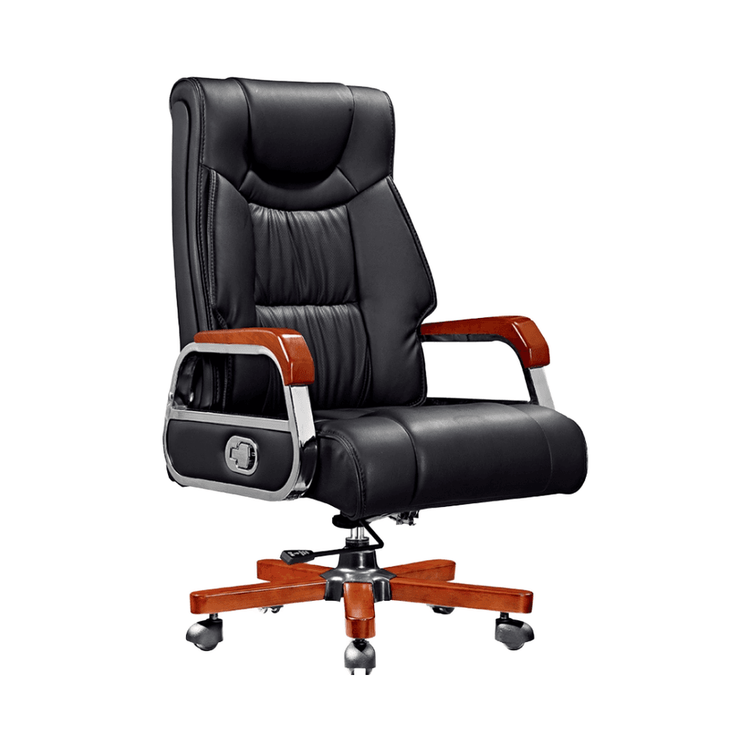
Office Chair Not Sliding - Solutions
If your office chair is not sliding smoothly, try the following solutions:

Check if the chair casters are loose One common reason for office chair casters not sliding smoothly is that they are loose, causing resistance to rotation. In this case, check each caster's fixing screws one by one to see if they are loose. If they are, use a screwdriver to tighten them. If the screws are stripped or the caster bracket is damaged, replace the caster assembly. Note: Turn the chair upside down (with the seat facing down) before operating to avoid scratching the seat fabric.
Check for caster blockage and clean Caster blockage is another major cause of poor sliding, often due to dust, hair, or debris getting stuck in the caster bearings or gaps. Here are the cleaning steps:
- Disassemble the casters: Hold the caster bracket with your hand and gently pull out the caster (most are designed with snap-in mechanisms); if it is stuck, use a flat-head screwdriver with a soft cloth to pry the edge of the snap-in mechanism to avoid scratching the bracket.
- Remove debris: Use tweezers to pick out hair and fibers from the caster gaps (operate in the direction of rotation to prevent tangling); use an old toothbrush dipped in a small amount of neutral detergent (avoid strong alkaline cleaners that can corrode materials) to gently brush the caster surface and bearing gaps to remove dust and grease; finally, rinse with water (avoid getting water into the bearings), dry, and air-dry for 10 minutes.
- Lubricate and reassemble: Drop 1-2 drops of office equipment-specific lubricant on the bearings (avoid using cooking oil as it attracts dust), rotate the casters to distribute the lubricant evenly; align the casters with the bracket snap-in mechanisms and push them in until you hear a "click" to confirm they are securely installed; turn the chair back upright and test if it slides smoothly. If there is still stuttering, re-inspect and clean.
- Replace the casters If the above methods do not work, the internal bearings of the casters may be worn or the structure may be damaged, and new casters need to be replaced. It is recommended to choose the same model as the original factory (ensure the size and snap-in design match) or select compatible casters according to the chair model. When replacing, note:
- Record the size of the original casters (such as diameter and wheel width) and the snap-in type (such as pin-type or threaded-type);
- When installing new casters, ensure that the snap-in mechanisms are fully embedded in the brackets to avoid looseness that can cause secondary failures.
Tip: Regularly clean the casters (every 3-6 months) to extend their service life. Avoid using them on carpets or rough surfaces for long periods to reduce caster wear.