
Back to blog
Article
Office Chair Massage Switch
Admin October 09, 2026
The location of the massage switch on office chairs varies significantly depending on the brand and model. Common positions include the armrest side, the side of the chair body, the back of the chair head, the top, or below the backrest base. Some high-end models support control via remote control or mobile app.
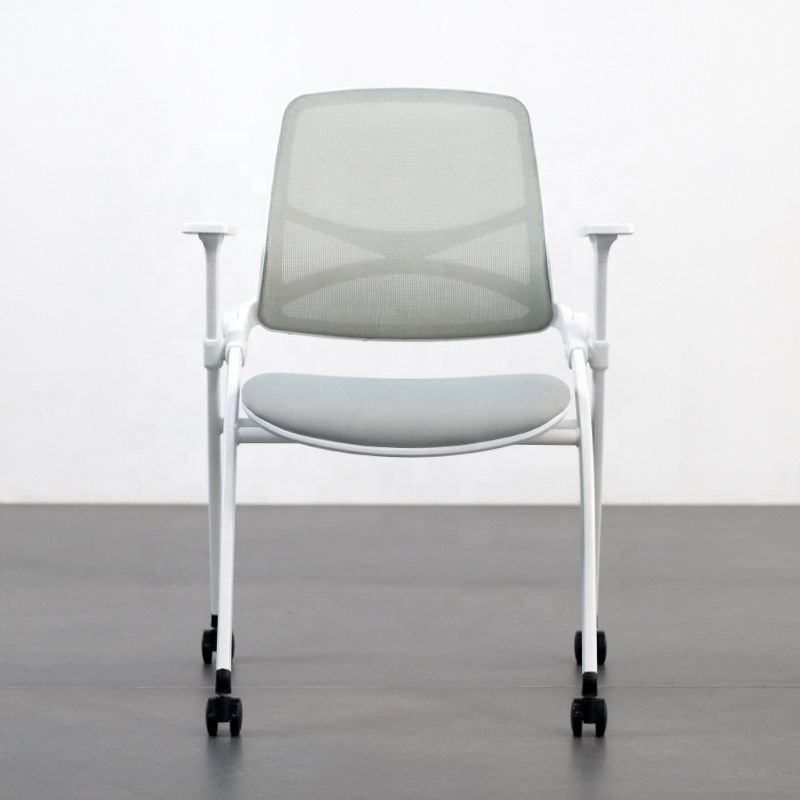
Common Switch Positions
- Armrest Side: Most office chairs, especially those from mainstream brands, design the power or massage switch on the side of the armrest. For example, brands like Wangqiyuan often place the power button on the lower edge of the right armrest. This design facilitates single-handed operation while seated, meeting ergonomic needs.
- Side of the Chair Body: Some models integrate the switch on the side of the chair body, possibly near the connection between the seat cushion and the backrest. Such designs are usually hidden within decorative strips or lines and require touching or observing the markings to locate.
- Back of the Chair Head or Top: A few models place the switch on the top or back of the chair head area, requiring users to reach backward to operate. This design is more common in massage chairs with high levels of functional integration and may be accompanied by indicator lights or touch panels.
- Below the Backrest Base: Some products hide the switch below the connection between the backrest and the base, requiring users to bend over or flip the seat to view. Such designs may be for safety or aesthetic reasons, but they offer lower operational convenience.
Special Control Methods
- Touch Panel: High-end models like the Osim uLove 7808Plus are equipped with a 7-inch large touch screen on the armrest, allowing users to turn on the device and adjust massage modes through touch. Such designs often come with voice prompts or visual interfaces to enhance the user experience.
- Remote Control or Mobile App: Some brands support wireless remote control or mobile app control, enabling users to remotely activate the massage function, adjust intensity, or select modes. This design is common in smart office chairs and is suitable for multi-scenario use.
Precautions
- Brand Differences: The design logic of different brands may vary significantly. For example, Wangqiyuan focuses on right armrest operation, while Osim relies on touch screen interaction.
- Model Differences: The switch positions may vary among different models from the same brand. It is recommended to refer to the product manual or contact after-sales service for confirmation.
- Safety Tips: Ensure that the chair is connected to a power source before operation and avoid using electronic control functions in humid environments.
If the switch cannot be found, prioritize checking the armrest, side of the chair body, or back of the chair area, or try connecting the device via remote control/app.



