Loading Office Chairs into Containers
Common challenges in loading office chairs into containers include mixed sizing, placement restrictions, complex loading sequences, and low loading rates, which can be optimized using container loading simulation software.

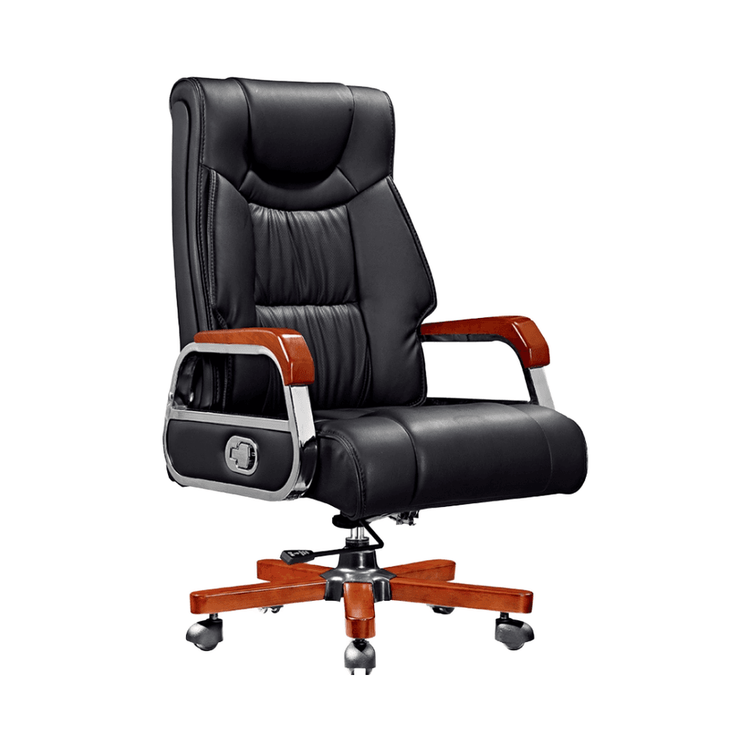
1. Mixed Sizing and Space Wastage The components of office chairs, such as the backrests, seat cushions, and footrests of executive chairs, vary significantly in size. Some boxes that are too long or too wide can lead to inefficient use of container space. For example, training chairs come in various box sizes (e.g., 108×30×61cm, 71×54×44cm). When shipped with training tables, the flexibility in combining them is limited, resulting in concentrated gaps and a much higher complexity in mixed loading compared to single-category furniture.
2. Placement Restrictions and Stacking Rules Some components have placement restrictions due to their structure or material, such as not being able to be inverted or being prone to deformation under pressure. For instance, the seat cushions of executive chairs must be loaded in the same container as the backrests, and screw packs and accessories must be packed together. The stacking layers of training chair boxes, which have varying compressive strengths, must be strictly controlled to avoid damage to the goods or the risk of the container being overweight.
3. Complex Loading Sequences Supporting products need to be loaded in a specific sequence to ensure integrity. For example, the seat cushions and backrests of executive chairs must be loaded in the same container; if the sequence is incorrect, it may cause difficulties in subsequent assembly. When training chairs are shipped with training tables, the stacking sequence of boxes of different sizes must be coordinated, further increasing operational complexity.
4. Low Loading Rates and Increased Costs When manually planning container loading schemes, it is often difficult to fully consider space utilization, leading to low loading rates. For example, a furniture export company achieved an average loading rate of only 82% in 40HQ containers when manually calculating. After optimization using the "Easy Loading Software," the loading rate increased to 91.6%, reducing the number of containers from 4 to 3.5 and significantly lowering transportation costs.
Solution: Application of Container Loading Simulation Software Tools like the "Easy Loading Software" are free to use and require no installation, supporting multiple transportation modes (e.g., sea freight, land freight) and complex loading scenarios. Users can flexibly set loading rules (e.g., component orientation, stacking layers), and the system automatically calculates the optimal scheme, improving the loading rate by 10%–20%, reducing the number of containers used, and avoiding oversights in manual planning.