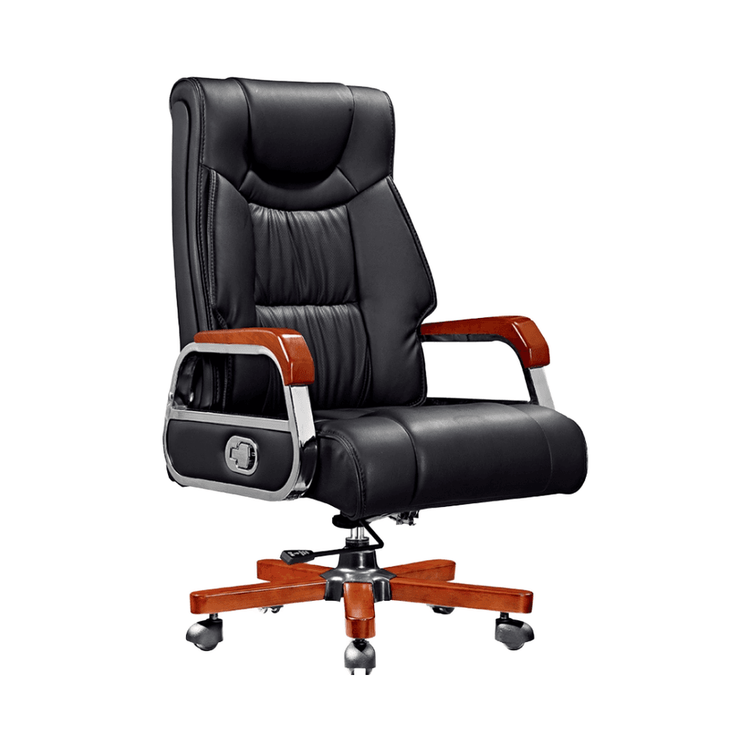
Office Chair Live Broadcast Scene
The following design ideas and implementation points can be referred to for office chair live broadcast scenes:

1. Scene Setup and Equipment Selection
Office chair live broadcasts should highlight product functions and usage scenarios. It is recommended to choose a closed or semi-closed space to minimize interference. For example, an office furniture company set up a small live broadcast room within an office building. The area does not need to be large, but it should ensure sufficient lighting and a simple background. In terms of equipment, in addition to basic cameras and microphones, you can refer to the practices of a cosmetics company in Shanghai by using movable office desks or flexible stands to facilitate angle adjustments for displaying product details (such as adjustment buttons and wheel smoothness). The background can be decorated with simple display racks showcasing office furniture from the same series to reinforce the brand's tone.
2. Host Script and Interaction Design
The traditional "welcome message + parameter introduction" model can come across as stiff and needs to be transformed into scenario-based language. For example, start by posing a pain point question: "Sitting for long periods causes back pain? Learn how to adjust this chair in 30 seconds" to quickly attract target users. During the product display segment, avoid simply reading parameters and instead demonstrate through actions: The host personally sits on the chair, rotating to show flexibility, adjusting the height to fit different body types, and leaning back to test support. This allows viewers to intuitively feel the effects. One company used this approach to stabilize the number of online viewers at several hundred per session, significantly increasing the conversion rate.
3. Process Optimization and Team Training
Initially, hosts may feel awkward facing the camera, affecting their performance, which requires systematic training to resolve. You can refer to the "three-step method" in the case study:
- Step 1: Free Expression: Allow the host to first familiarize themselves with the product and freely talk about the parts they are most skilled at (such as materials and design concepts) to alleviate nervousness;
- Step 2: Review and Improvement: Playback the recording and analyze issues such as language rhythm and body language;
- Step 3: Customized Script: Design personalized opening lines (such as humorous or professional styles) and product introduction logic based on the host's characteristics to strengthen memory points.
One company used this method to transform hosts from "unable to speak" to "natural interaction", with live broadcast performance surpassing that of the offline team.
4. Long-term Operation and Data Iteration
Live broadcasts need continuous optimization to maintain appeal. You can regularly change the background decor (such as adding green plants or office scene models) or design activities based on holiday themes (such as promoting ergonomic chairs during "Workplace Health Week"). At the same time, by analyzing data such as viewing duration and interaction rates, adjust the product display order and script focus to gradually form a standardized process.