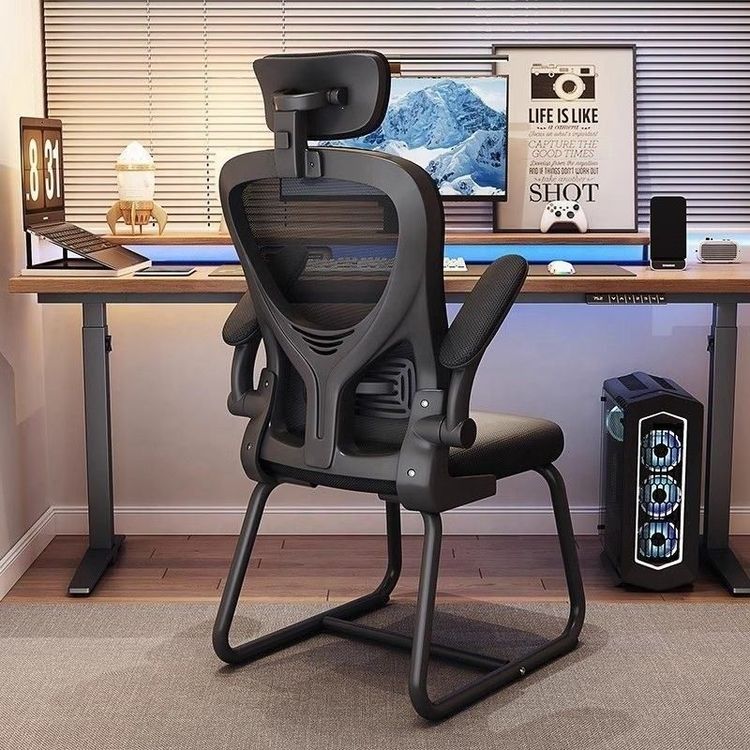
Office Chair Levitation Photography
There is no direct specific technology or standard method for 'office chair levitation photography', but similar visual effects can be achieved through levitation effect design, shooting techniques, and post-processing.

Design and Implementation of the Levitation Effect
To capture an office chair in a 'levitating' state, start with the product's design or auxiliary devices. For example, some high-end office chairs (such as the O2 office chair and the 6-dimensional levitating office chair) use dynamic levitation technology or intelligent backrest linkage systems to create a 'floating sensation' for users during use. During shooting, leverage this feature by adjusting the backrest angle, user posture, or light angle to enhance the visual perception of 'levitation'. If the product lacks such features, simulate a levitating state by fixing the chair in mid-air using custom brackets, transparent acrylic panels, or magnetic levitation devices (which require professional modification).
Shooting Techniques and Scene Setup
When shooting levitation effects, pay attention to light and background selection. For lighting, side or backlighting is recommended to highlight the chair's contours and the transparency of the levitation device, avoiding shadows that reveal the support structure. The background should be simple and uniform (such as a solid-colored curtain or gradient background) to minimize distractions. If using a real levitation device, hide the brackets or connecting wires, which can be achieved through post-processing removal or covering with a background of the same color. In terms of angle selection, a low-angle upward shot can enhance the visual impact of the chair lifting off the ground, while a top-down shot is suitable for showcasing the overall levitating layout.
Post-Processing to Enhance the Effect
Post-processing is a crucial step in achieving levitation photography. Using image processing software (such as Photoshop), the following operations can be performed:
- Remove supports: If brackets or wires were used during shooting, remove traces using the clone stamp or healing brush tool.
- Add shadows or light effects: Manually draw shadows of the chair on the ground or enhance ambient light reflections based on the light direction to increase realism.
- Adjust color and contrast: Strengthen the color difference between the chair and the background to highlight the independence of the levitating subject.
Precautions
If using complex devices like magnetic levitation, ensure safety to prevent the chair from tipping over or equipment failure. For commercial shoots, it is advisable to test different angles and lighting effects in advance to save on post-processing costs.