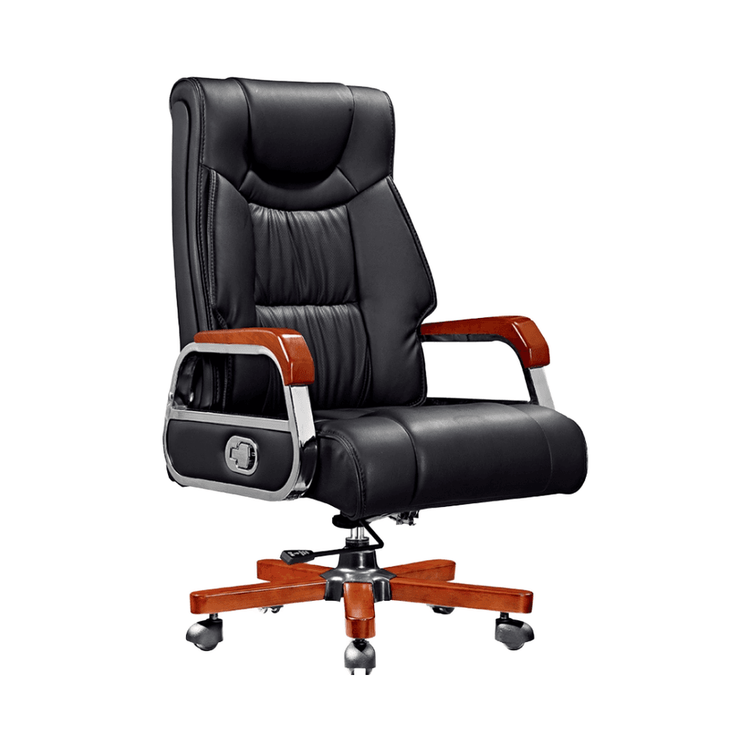
Uneven Installation of Office Chair
If an office chair is installed unevenly, you can troubleshoot and resolve the issue using the following methods:

Check Assembly
For newly assembled chairs, incorrect installation or sequence of components can easily lead to unevenness. For example, if there is a deviation at the connection between the chair legs and the base, or if the adjustment screws are not tightened properly, small errors that are not corrected in a timely manner can result in wobbling or tilting during use. You need to check whether all parts of the chair are installed correctly and securely. If there are deviations or loose screws, readjust and tighten them.
Check the Wheels
- Confirm Wheel Status: Place the chair upright and check if each wheel foot is in contact with the ground. Invert the chair and inspect the wheel feet for any signs of damage. Casters may bend or break due to uneven weight distribution, manufacturing defects, or wear and tear, causing the chair to tilt.
- Replace Damaged Wheels: If you find damaged wheels, you can contact the manufacturer and provide the chair model to order matching wheel feet. Alternatively, after removing the old wheels, take one to an office supplies store to find a matching replacement set, paying attention to matching the shape and size of the wheel axles.
- Remove Old Casters: Grasp the caster wheel and the bottom of the chair with your hands and pull firmly. If it doesn't come out, insert the blade of a flat-head screwdriver into the small gap between the wheel foot and the chair's contact point. Operate it back and forth slowly and pull it out about 1 centimeter before pulling again. In rare cases, if the caster is fixed with screws, use a screwdriver to loosen the screws and remove it.
- Install New Casters: Apply a small amount of spray lubricant to the socket on the chair base. If not available, apply petroleum jelly to the wheel axle. Use a rubber mallet to tap the caster into the socket, aligning the caster rod with the base. Gently push it in. If it doesn't fit properly, tap it lightly to reduce the risk of deformation or breakage. Invert the chair and test the new wheels. If they roll smoothly and evenly without tilting, the replacement is complete. Otherwise, continue to check the seat plate.
Check Material Quality
The quality of the materials used in chair production affects its flatness. If inferior or deformed materials are used, such as wooden chair boards that have not been properly dried and become deformed, or plastic chair materials that have uneven shrinkage during manufacturing, the chair will not be flat even after assembly. If you suspect a material problem, you need to inspect the chair materials or consider replacing the chair.
Check the Ground Condition
An uneven ground surface can also affect the user experience of the chair. If the installation surface has bumps or is tilted, the chair will appear uneven even when placed flat. You may consider moving the chair to a flatter surface for use.