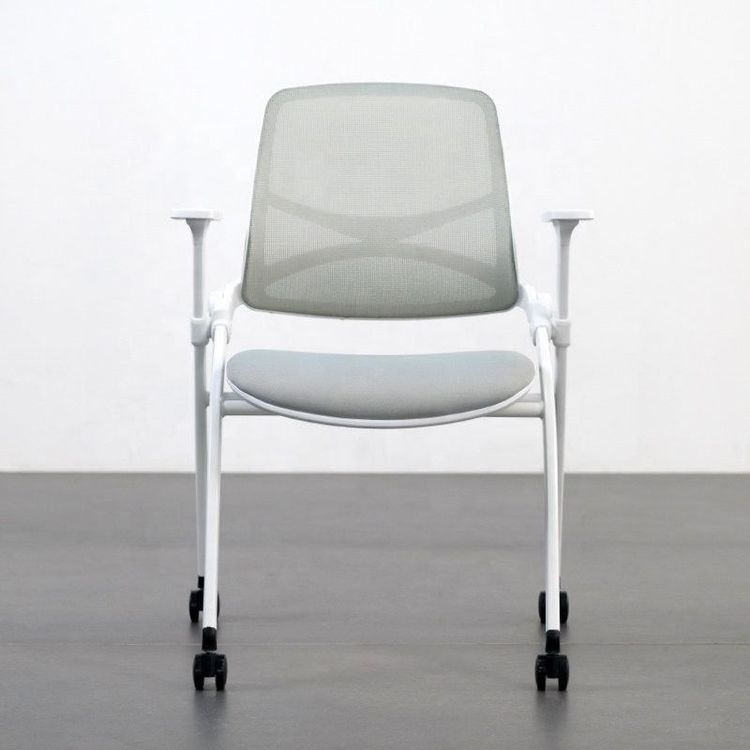
Office Chair Caster Repair
For repairing office chair casters, you can refer to the following methods and choose the appropriate handling method based on different fault types:

1. Tilted or Damaged Wheels
If the office chair tilts to one side, first check whether the wheels are level when placed upright and upside down. Turn the chair upside down, observe whether each wheel foot is in contact with the ground, and check for signs of damage on the wheel feet (such as cracks or deformations). If a damaged wheel is found, purchase a matching new wheel for replacement:
- Measure the size: After removing the old wheel, turn it upside down and measure its diameter, or measure the side diameter directly. Common sizes are 7.5 cm, 6 cm, and 5 cm. Ensure that the new wheel is the same size as the original one to avoid abnormal seat height due to size mismatch (for example, a wheel that is too small may make the gas rod too close to the ground, causing sliding to be sluggish; a wheel that is too large may prevent the feet from touching the ground).
- Install the new wheel: If the wheel is fixed with screws, use a screwdriver to loosen the screws and remove the old wheel; if it is a snap-on design, simply pull out the old wheel. Align the new wheel with the bracket snap and gently push it in until you hear a 'click' sound to confirm that it is securely installed.
2. Casters Clogged with Hair or Debris
If the casters rotate sluggishly, it may be because hair or debris is stuck in the gaps, requiring disassembly and cleaning:
- Disassemble the casters: Turn the chair upside down, hold the caster bracket with your hand, and gently pull it outwards (no tools are required for snap-on designs); if it is stuck, use a flat-head screwdriver with a soft cloth to pry the edge of the snap to remove it.
- Clean the debris: Use tweezers to pick out long hairs and carpet fibers from the gaps (follow the direction of rotation when picking), then use an old toothbrush dipped in neutral detergent to scrub the surface and bearing gaps to remove dust and grease. Finally, rinse with water (avoid getting water into the bearings), wipe dry, and let it air dry for 10 minutes.
- Lubricate and reassemble: Drop 1-2 drops of office equipment-specific lubricating oil onto the bearings and rotate the casters to distribute the oil evenly. Align the casters with the bracket snap and push them in until you hear a 'click' sound, then turn the chair upright and test for smooth rotation. If there is still sluggishness, recheck for residual debris.
3. Inflexible Wheel Rotation (Not Due to Debris Clogging)
If the wheels have no debris but rotate stiffly, it may be due to a lack of oil in the bearings or rust at the connections:
- Lubrication treatment: Apply a small amount of spray lubricant (such as WD-40) or use petroleum jelly as an alternative to the connection between the casters and the chair (such as the screw-fixed part or the snap socket).
- Reinstall: Gently tap the caster rod with a rubber mallet to fully insert it into the base. If the design allows, tap near the stem base (rather than the bottom of the wheel) to reduce the risk of deformation.