Correct Sitting Posture for Office Chairs
The correct sitting posture for office chairs should follow the following key points to ensure health and improve work efficiency:

1. Chair Selection and Back Support
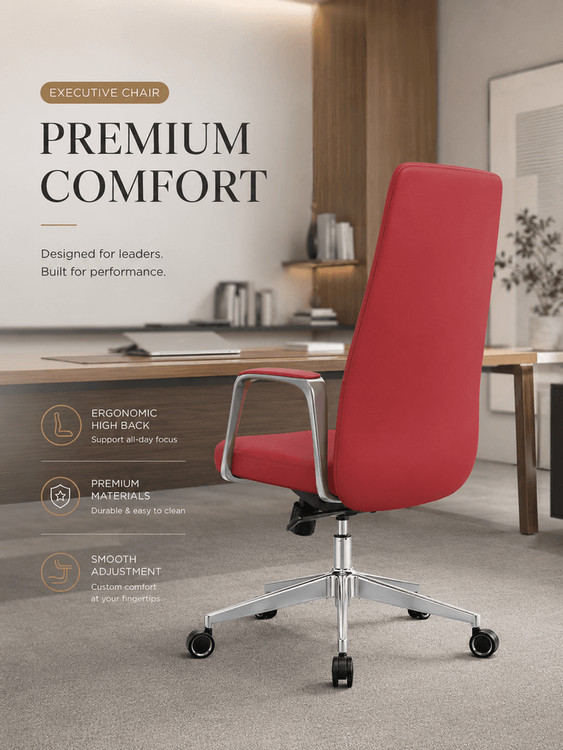
Prioritize choosing a backrest chair that fully supports the back, ensuring the chair back can fully conform to the natural curve of the spine and provide stable support for the waist. Avoid using chairs without a backrest or with overly soft backrests, as long-term use can lead to concentrated lumbar pressure, causing lumbar muscle strain or herniated discs. The height of the chair back should cover down to below the shoulder blades to help distribute the weight of the upper body.
2. Chair Height and Leg Posture
Adjust the chair height so that your feet are naturally perpendicular to the ground, with your thighs and calves forming a 90-degree right angle and no pressure on the knees. If your feet cannot touch the ground when leaning back against the chair, the chair is too high, and you need to lower it or use a footrest; conversely, if the knee bending angle is too large, you need to raise the chair. Individual differences should be determined through actual testing, avoiding reliance on fixed values.
3. Desk Height Matching and Arm Posture
After sitting firmly, fix the elbow joint and slowly raise your arm until your forearm and wrist are in a straight line. The corresponding height at this point is the ideal desk height. This posture can avoid excessive wrist bending or lifting, reducing the risk of mouse hand (carpal tunnel syndrome). If the desk is too high, you can elevate the keyboard; if it is too low, you need to adjust the chair or use an adjustable-height desk.
4. Desk Distance and Chest Space
Maintain a fist-sized distance (about 5-10 centimeters) between your chest and the edge of the desk, avoiding leaning forward or backward. Being too close can restrict breathing and cause shoulder and neck tension; being too far requires excessive arm stretching, leading to frozen shoulder. Adjust by measuring with your fist to ensure comfortable activity space between your chest and the desk.
5. Screen Height and Eye-Level Viewing
Raise the computer screen to eye-level viewing position, with the center of the screen slightly lower than your eyes by 10-15 degrees. This can be achieved using a monitor stand or books to elevate it, avoiding looking down or up, which can cause excessive cervical spine bending. Prolonged looking down at a phone or computer is one of the main causes of cervical spondylosis, and this adjustment can significantly reduce neck pressure.
Suggestions for Mitigating the Harms of Prolonged Sitting
Get up and move every 30 minutes, performing exercises such as hip joint stretching (raising your leg to your chest while standing), lower back relaxation (supporting your waist with your hands and leaning backward), shoulder opening exercises (drawing circles with your arms), and neck and shoulder stretching (touching your shoulder with your side head), each lasting 1-2 minutes. These exercises can promote blood circulation, relieve muscle stiffness, and reduce the risk of diseases associated with prolonged sitting.