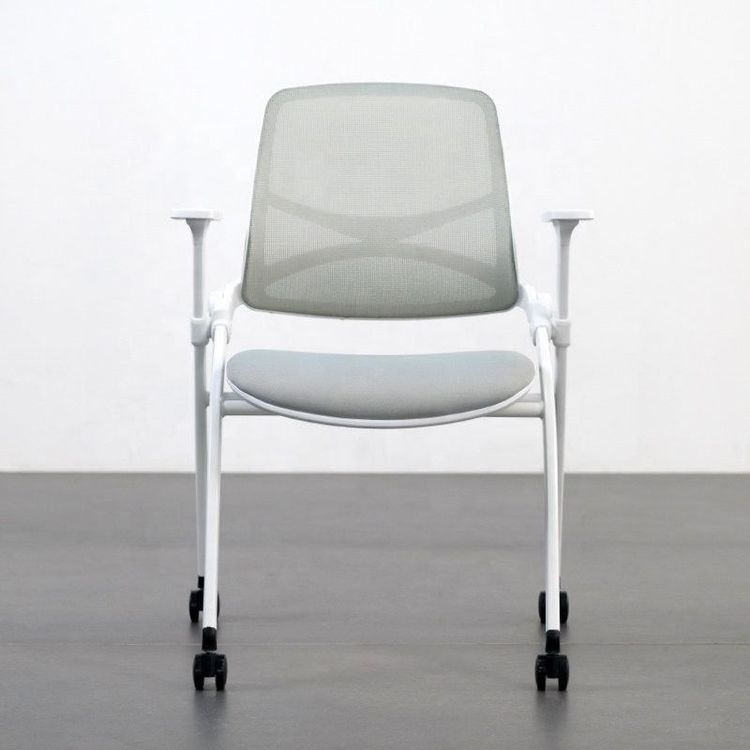
Computer Office Chair Adjustment
Computer office chairs offer a variety of adjustment methods, mainly including height, recline, headrest, armrest, and other functional adjustments, as detailed below:

Height Adjustment: This is the most basic adjustment function of a computer office chair. Usually, a hand control device, which could be a lever or a knob, can be found beneath the seat. For pneumatic models, pulling up or turning the device and repeatedly pushing the lever up and down will adjust the seat's height. When adjusting from a standing position, ensure the front of the chair is just below the knees, adjusting to a height that feels comfortable with both feet flat on the ground. The appropriate seat height ensures a correct sitting posture, reducing pressure on the legs and waist.
Recline Adjustment: A handle is typically located on the right side; a gentle pull unlocks the backrest, allowing it to move freely. There is a cylindrical knob on the base; turning it clockwise increases the backrest's rebound support force, while turning it counterclockwise decreases it. The recline angle can be locked using the control lever on the right side of the seat cushion. Once the desired recline angle is found, a gentle push on the lever will secure it. To return to an upright position, pull the lever outward while giving your back a push, then push the lever back in to lock it.
Headrest Adjustment: Taking the Qingxian Dynamic Ergonomic Chair as an example, adjusting the height of the headrest is straightforward; simply lift the headrest to change its height. Additionally, the front-to-back position of the headrest can also be adjusted to meet different users' needs for neck support, allowing the neck to relax better during long hours of office work.
Armrest Adjustment: If the chair is equipped with armrests, their height can be adjusted according to personal needs. When arm support is not required, the armrests can be removed or lowered to prevent them from obstructing the knees from sliding under the desk, affecting the normal office posture.
Other Functions: Some computer office chairs offer even more features, including seat depth adjustment, lumbar support adjustment, glide function, and footrest adjustment. Seat depth adjustment allows the seat's depth to be changed to accommodate users with different leg lengths; lumbar support adjustment can modify the support force and position of the lumbar area, reducing lumbar fatigue; the glide function makes the chair more mobile; and the footrest adjustment provides support for the legs during rest. Users can operate according to the specific model and instructions.